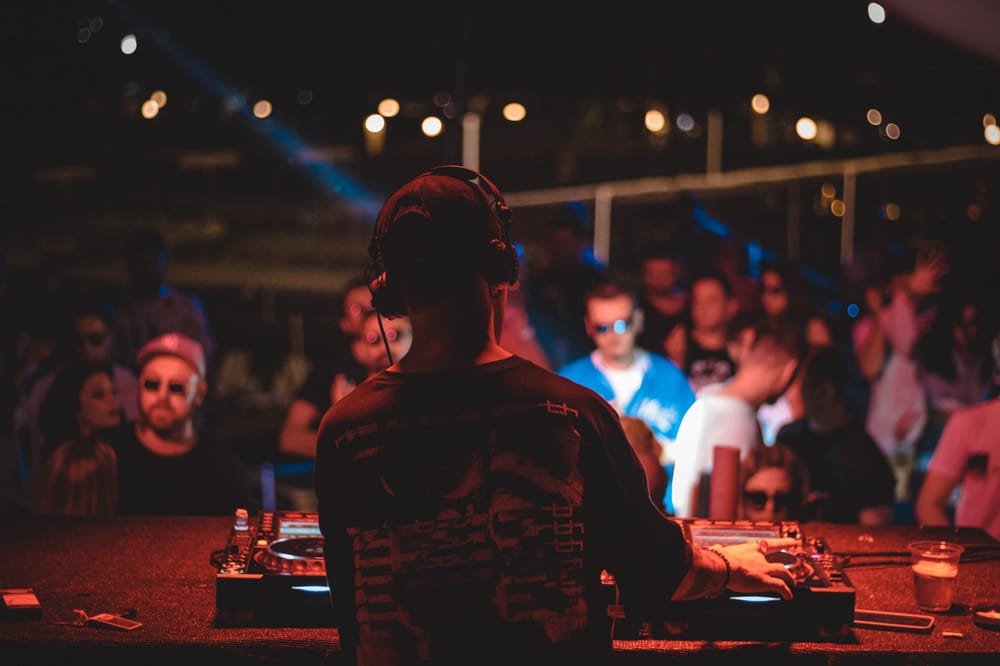
Dive into Dub Techno: A Quick-Start Guide for Beginners
Welcome to EchoWave Collective! If you have ever been mesmerized by the deep, echoing soundscapes of dub techno and wondered if you could make it yourself, the answer is a resounding yes.
You don't need a studio full of expensive analog gear to get started. Dub techno is all about atmosphere, space, and feeling. Here is a simple, step-by-step guide to building your very first dub techno track using entirely free tools.
Step 1: Get Your Digital Audio Workstation (DAW)
Your DAW is your virtual studio. It is where you will arrange your sounds and add effects. There are incredible free options available that have everything you need:
- Waveform Free: A fully-featured DAW with no track limits. Excellent for beginners and pros alike.
- LMMS (Linux MultiMedia Studio): A fantastic open-source option that works on Windows, Mac, and Linux.
- GarageBand: If you are on a Mac, you already have this installed, and it is incredibly powerful.
Step 2: Grab Some Sounds
To build a track, you need raw materials. Eventually, we will be hosting our own free EchoWave Collective sample packs right here! Until then, you can grab fantastic free starter packs from sites like Bedroom Producers Blog or Wave Alchemy.
What to look for:
- A solid, punchy electronic Kick drum.
- A basic electronic Hi-Hat.
- A deep, rumbling Synth Bass note.
- A "Synth Stab" (a short, sharp burst of a minor synth chord).
Step 3: Lay Down the Main Parts
Open your DAW and let's start building the foundation. Set your project tempo (BPM) to somewhere between 110 and 120.
- The Heartbeat (Kick Drum): Place a kick drum on every single beat (1, 2, 3, 4). This steady pulse is the anchor of your track.
- The Groove (Hi-Hats): Place a hi-hat directly between every kick drum (on the "upbeats"). This gives the track its forward momentum.
- The Low End (Bass): Keep it sparse. Add a deep bass note that hits occasionally—maybe just on the first beat of every bar—to give the track weight without muddying the waters.
- The Soul (The Chord Stab): Place your synth stab sparingly. Try dropping it on the second beat of a bar. In dub techno, less is usually more.
Step 4: Add the Magic (Effects)
This is where techno becomes dub techno. It is all about how you manipulate that synth stab using effects. Most free DAWs come with these built-in:
- Delay (Echo): Apply a delay plugin to your synth stab. Set it so the echoes bounce around in time with your track (a "3/16" or "dotted eighth" timing works beautifully).
- Reverb (Space): Add a large, cavernous reverb to the stab and the hi-hats. This puts your sounds inside a massive, atmospheric space.
- Low-Pass Filter (Movement): Put a low-pass filter on your synth stab. Slowly turn the filter knob up and down as the track plays. This makes the chord sound like it is breathing, submerging underwater, and rising back up.
Keep Experimenting
That is it! You have just created the core loop of a dub techno track. From here, duplicate your loop, drop parts in and out to arrange a full song, and twist those effect knobs to keep the listener engaged.
We can't wait to hear what you create. Drop your early experiments in the EchoWave community forum, and let's grow our sound together!